Jojo 66 App Login: Fast Access on Your Phone
Updated: 23 Nov 2026
23
Logging in should feel quick and simple, and the Jojo 66 apk is built around that idea, giving players a clear path from the home screen to their account in a few taps. This guide explains the login steps in plain order, what to check before you start, and how to handle the small problems that sometimes appear.
What You Need Before You Sign In
Before you open the app, make sure you already have a registered account and that you remember the mobile number or username you used when you created it. A steady internet connection also helps, because a weak signal can make the login screen load slowly or stop halfway. If you are using a shared phone, close other heavy apps first so the login page has room to work properly.
Keep your password close at hand, but do not write it where other people can see it. Many players save their details in the phone browser or a password manager, which can speed things up on later visits.
Opening the App and Finding the Login Screen
Tap the jojo 66 app icon on your phone and wait for the home screen to load fully before you press anything else. The login button is usually easy to spot near the top of the screen or in the main menu, and tapping it opens a simple form with space for your details. Give the page a moment to settle, especially on a slower connection, so the fields appear correctly.
Some players see a welcome screen first, with options to register or log in side by side. Choose the login option and move on to the form without rushing. If the screen looks blank or half loaded, close the app, wait a few seconds, and open it again. A fresh start often clears a temporary loading problem.
Entering Your Details the Right Way
Type your registered mobile number or username exactly as you created it, watching out for extra spaces or wrong digits. Then enter your password carefully, remembering that passwords are case sensitive, so capital letters and small letters are not the same. Double check both fields before you tap the login button, because one small typing slip is the most common reason for a failed attempt.
After a successful login, the app usually takes you straight to the main lobby where games, wallet, and account options sit together. Take a moment to confirm that your balance and profile details look right. If anything seems wrong, log out and sign in again before you start playing, since a clean session can clear a display glitch.
If You Forget Your Password
Forgetting a password happens to many players, and the app usually offers a reset option on the login screen for exactly this reason. Tap the forgot password link and follow the steps shown, which generally ask you to confirm your registered mobile number. Keep your phone nearby, because you may need to enter a code sent to that number.
Choose a new password that you can remember but other people cannot guess easily. Avoid simple patterns such as repeated digits or your birth year, and mix letters with numbers where the form allows it. Once the reset is complete, try logging in with the new password right away so you know it works before your next session.
Keeping Your Account Safe on Your Phone
Never share your password with anyone, even if they claim to work for the platform or offer help with your account. Real support teams do not ask for passwords, and sharing yours puts your balance and personal details at risk. If someone asks for it, treat the request with suspicion and stop the conversation.
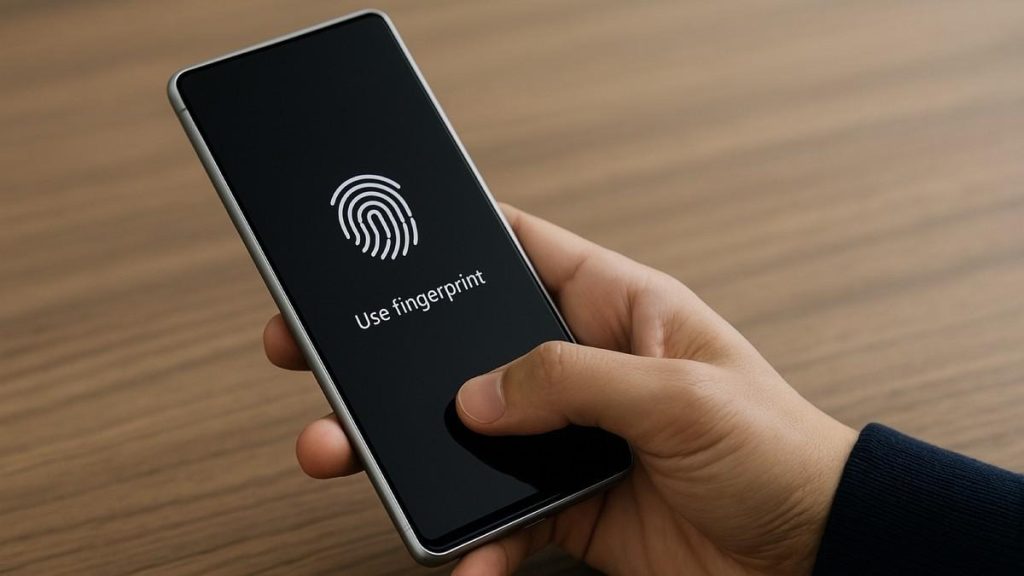
Log out when you finish playing on a shared device, and avoid staying signed in on phones that other people use. Lock your own phone with a PIN or fingerprint so nobody can open the app without you. These small habits take only seconds, yet they protect your account far better than any single setting inside the app.
Login is a small step, but doing it carefully sets up a smooth session. Keep your details ready, check them before you submit, and use the reset option rather than guessing when you forget a password. With those habits in place, signing in becomes a quick routine, and you can spend your time on the games instead of the login screen.
Please Write Your Comments