How Writers Can Protect Their Drafts and Accounts While Working Anywhere
Updated: 17 Sep 2026
23

A poem can begin in a phone note, grow in a document at a café and reach an editor as an email attachment. That freedom is one of the pleasures of writing now. It also means the work may be spread across several devices and accounts before anyone else reads it.
The obvious fear is that someone will steal an idea. The everyday risks are usually less dramatic: the wrong draft gets submitted, a cloud link becomes public, a phone disappears or an old email account gives someone access to years of work. Protecting a draft begins with knowing where it lives and who can reach it.
Choose one home for the working draft
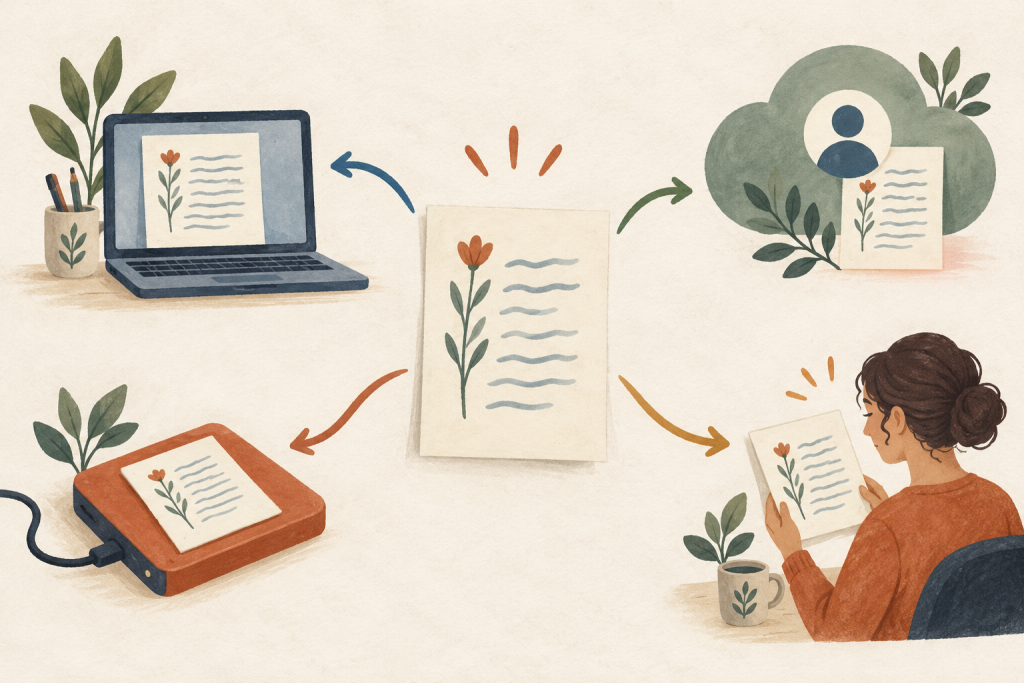
Several copies are not automatically a problem. Confusion begins when two of them are still being edited. A corrected line may land in the cloud document while an editor comments on an email attachment, leaving neither person certain which version is current.
Choose one working master and make all new edits there. A file sent to an editor or saved before a major revision is a snapshot, not a second working draft. If comments return in an attachment, bring the accepted changes back into the master before continuing. This keeps the latest lines, feedback and formatting together.
Back up the work without multiplying confusion
Automatic cloud syncing is convenient, but syncing and backing up are not quite the same. If a file is deleted or overwritten, that change may be copied to every connected device. Check whether the service keeps version history or deleted files, and learn how long recovery remains available.
A manageable routine might use one working location and one independent backup. The backup can run automatically, but occasionally restore a file to make sure recovery works. For a long manuscript, export a dated copy at important stages, such as after a structural edit or before sending it to a publisher.
Do not keep the only backup beside the original on the same laptop. Theft, damage or ransomware could affect both. The goal is not to create ten copies. It is to make sure one ordinary problem cannot remove every copy at once.
Protect the account that holds the words
The cloud or email account that holds a draft may also contain contracts, correspondence, unpublished photographs and contact details for editors or collaborators. Give that account a password that is not reused elsewhere. A password manager can create and store a unique one, so the writer does not have to memorise it.
Turn on multifactor authentication when it is available. An authenticator app, passkey or security key is generally more resistant to account takeover than relying only on a password. Save recovery codes somewhere protected and separate from the device used every day.
Review active sessions from time to time. Sign out old phones, shared computers and browsers that are no longer used. If an account sends an alert about a new login or recovery change, open the service directly rather than following the link inside the message.
Use shared Wi-Fi with a clear view of the risk
Public Wi-Fi is not automatically a window into every word you type. Most established websites now use HTTPS, which encrypts traffic between the browser and the site. Still, a shared network can introduce fake hotspots, misleading sign-in pages and uncertainty about who manages the connection.
Confirm the network name with the venue and avoid joining lookalikes. A free VPN can add connection privacy by encrypting traffic between the device and the VPN service. It does not protect an unlocked screen, recover a deleted poem or decide whether a submission page belongs to the real publisher.
For sensitive account changes, contracts or payment details, mobile data may be the simpler choice. Whatever the connection, keep file sharing and automatic network joining turned off when they are not needed.
Install tools before the deadline
The night a submission closes is a poor time to discover that a login, sync setting or connection tool does not work. Before travelling, open a draft from the device you plan to use, save a harmless change and confirm that it reaches the working master. Check that you can complete multifactor authentication without relying on a phone number or device that will be unavailable.
If the trip will require a VPN, install it in advance from the provider’s official VPN Download page or the device’s recognised app store rather than a copied button in an advert. Keep the operating system, browser and writing apps updated, but avoid major changes immediately before a deadline or live reading. After an update, reopen the writing app and check that any files needed offline are still available.
Share a copy, not the entire workspace
Before sending a draft, decide what the recipient needs. An editor may need permission to comment. A competition may require a PDF or document with specific formatting. Neither situation usually requires access to the folder containing every draft, personal note and contract.
Check link permissions in a private browser window. “Anyone with the link” can be useful, but it may allow forwarding beyond the intended reader. Named access offers more control, while an exported attachment creates a separate copy that will not change when the original is revised.
Remove comments that reveal private discussions and inspect document properties if anonymity matters. Photographs can also contain location and device metadata.
Keep evidence of authorship in proportion
In the United States, copyright generally begins when an original poem or other work is fixed in a form that can be perceived or reproduced. Registration is not required for copyright to exist, although it can provide important legal benefits. Rules and enforcement options differ by country, so serious disputes deserve local professional advice.
Dated drafts, version history and submission emails can help document how the work developed. They are not a substitute for account security or reliable backups. Copyright answers who owns the expression; security controls who can reach the files. Writers need both ideas, but they solve different problems.
Take five minutes before publishing
Open the exact file you plan to send. Confirm the title, version, author name and sharing permission. Check that a backup exists, then look for comments, tracked changes or metadata that should remain private. Finally, make sure the recipient and submission address are correct.
That short pause protects more than a single draft. It gives the writer control over which version becomes public and what travels with it. The technology can stay in the background, where it belongs, while the words reach the reader in the form the writer intended.
Please Write Your Comments