Can a Smartphone Make Remote Work Easier?
Updated: 20 May 2026
22
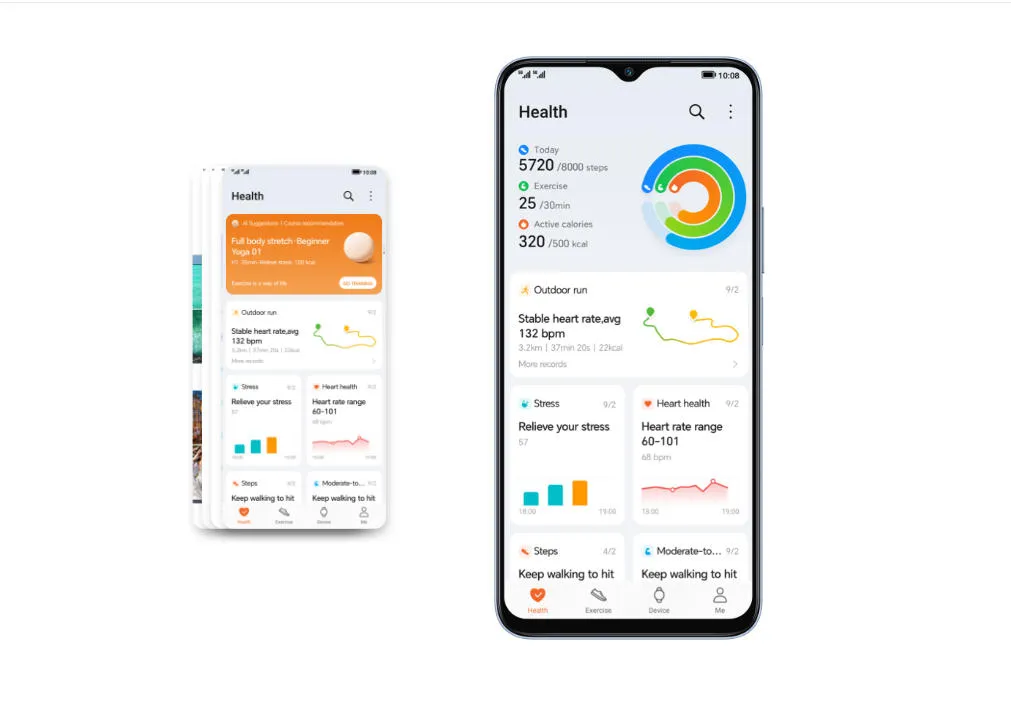
A smartphone can make remote work easier when it supports the small actions that keep work moving between longer focused sessions. Remote work does not always happen at a desk. People answer messages from a café, check files while traveling, join quick calls from another room, and confirm updates before opening a laptop. A phone helps because it keeps work access close without requiring a full setup every time. It should not replace deep work, detailed editing, or complex projects. Its value comes from speed, flexibility, and continuity. Used well, a smartphone helps remote workers stay responsive without being tied to one place all day.
Remote Work Needs More Than a Desk Setup
Quick Replies Keep Teams Aligned
Remote work depends on timing. A delayed answer can slow a teammate, hold up approval, or leave a client waiting. A smartphone helps workers respond to short messages, confirm simple details, and acknowledge updates without returning to a desk. This does not mean every message needs an instant reply. It means workers can handle small communication gaps before they become larger delays. A short “approved,” “received,” or “I’ll check this after lunch” can keep a project moving. The phone works best for these light communication moments. It helps people stay visible to the team while still saving deeper work for the right device.
File Checks Become Less Disruptive
Remote workers often need to check one document, link, image, spreadsheet, or presentation before making a decision. A smartphone can handle these quick reviews well when the task is specific. The user can open a shared folder, confirm the latest version, view a screenshot, or check whether a file was uploaded correctly. This saves time because the worker does not need to restart a full desktop workflow for every small check. The phone is not ideal for heavy formatting or long editing, but it works well as a review window. It supports momentum by helping workers answer “Is this ready?” faster.
Calls Can Happen Wherever Work Moves
Remote work often shifts between rooms, locations, and schedules. A smartphone makes voice calls and short video meetings easier to manage when the worker is away from the main desk. Someone can join a quick update from the kitchen, take a client call during travel, or listen to a team discussion while walking. This flexibility is useful when the meeting does not require screen sharing or complex note-taking. A phone also helps workers separate call time from desk time. Sometimes a short call feels more natural away from the laptop. The result is a work routine that feels less fixed and more adaptable.
Choosing a Smartphone for Flexible Remote Work
Battery Life Supports Long Workdays
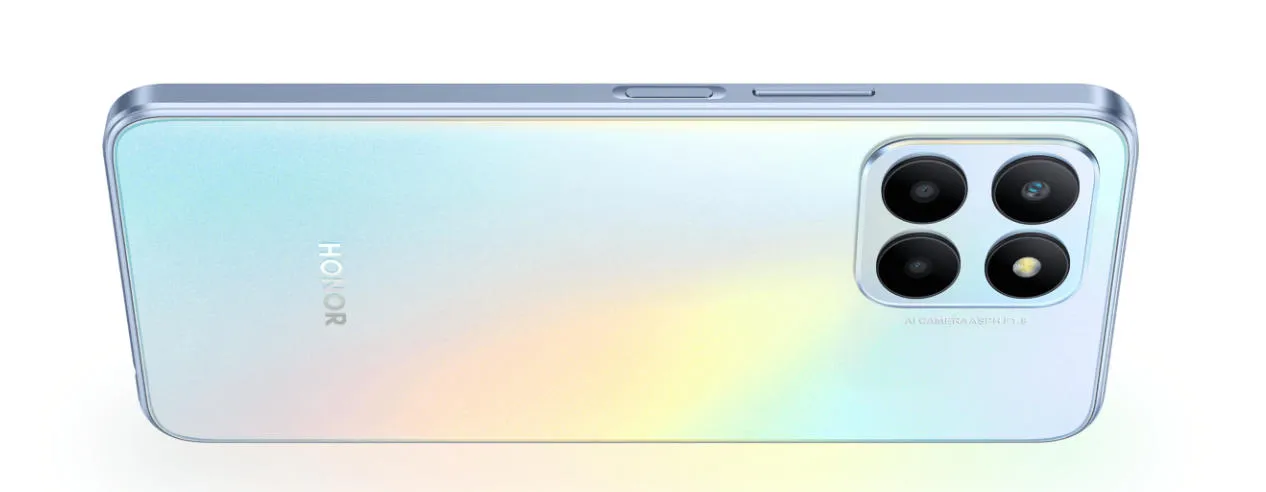
Remote workers often use one phone for both personal and work tasks. That means calls, messages, email checks, navigation, video clips, files, and family updates may all happen on the same device. Battery life becomes important because a low battery can interrupt the rhythm of the day. A phone that lasts longer gives workers more freedom to move without carrying a charger everywhere. The HONOR X6 5G phone fits naturally into this remote-work context with its 5000mAh battery, 22.5W HONOR SuperCharge, 5G support, Dual Card Dual Standby, 6.5-inch FullView Display, 90Hz refresh rate, and Qualcomm Snapdragon 5G SoC. These features support quick communication, file access, video calls, and long daily use without overcomplicating the setup.
Connectivity Keeps Work Moving
Remote work becomes harder when files load slowly, calls drop, or updates fail to send. Strong mobile connectivity can help workers stay productive when home Wi-Fi is weak, public networks feel unstable, or travel interrupts the usual routine. 5G support can make file downloads, cloud access, video calls, and message syncing smoother when network conditions allow. Dual Card Dual Standby can also help users manage work and personal numbers more clearly. A worker may use one number for business contact and another for private life. This separation can make remote work feel more organized, especially for freelancers, hybrid workers, and people who travel often.
Small Tasks Should Stay Small
A smartphone works best for remote work when users assign it the right tasks. It should handle quick replies, calendar checks, light reviews, file confirmations, calls, photos, and short updates. It should not become the main place for complex writing, detailed design work, heavy analysis, or long document formatting. When workers force too much onto a phone, the experience becomes slow and frustrating. A smarter approach keeps phone work narrow and useful. The worker uses the phone to clear small blockers and uses a larger setup for deeper tasks. This balance makes remote work feel more efficient instead of more scattered.
Conclusion
A smartphone can make remote work easier by supporting quick communication, light file reviews, flexible calls, mobile connectivity, visual sharing, and better task continuity. It works best as a bridge between focused work sessions, not as a full replacement for a desktop setup. The right phone should offer dependable battery life, smooth access, a comfortable screen, strong connectivity, and practical camera use. Remote workers also need clear boundaries, or the phone can turn into a source of constant interruption. When users define the right role for it, a smartphone becomes a compact work assistant that keeps projects moving without keeping people tied to one desk.
Please Write Your Comments